Checklist Title
A clear name and version identifier so recipients know the purpose, scope, and which iteration they are reviewing for audit and recordkeeping.
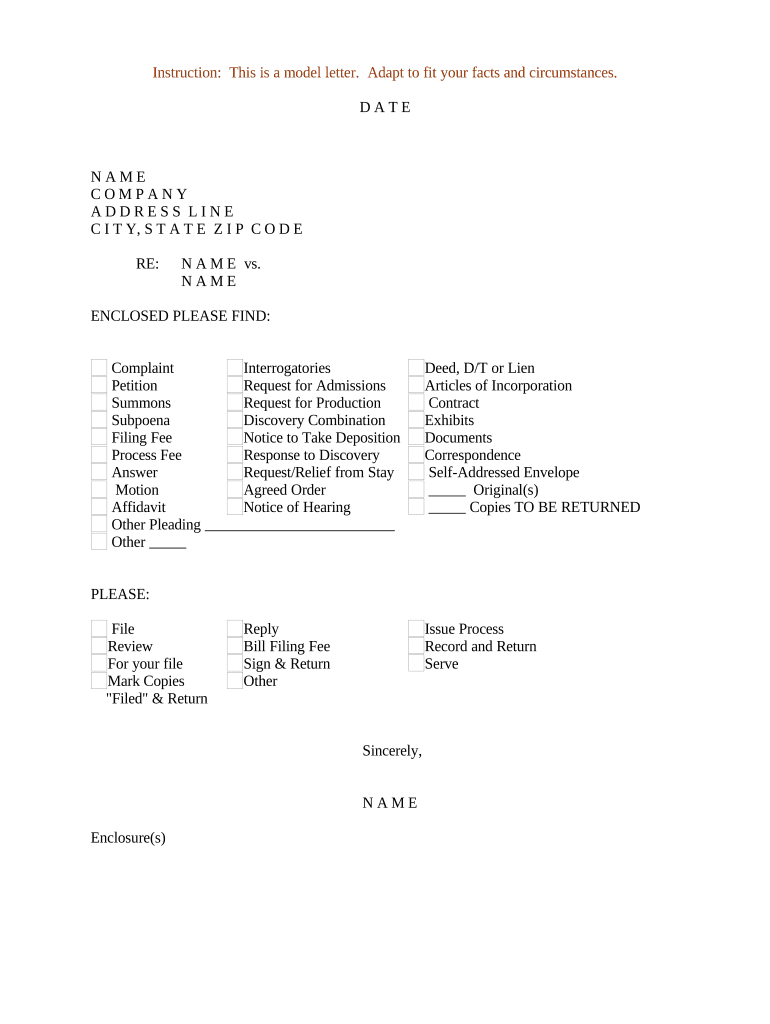
A consistent checklist reduces errors, creates a clear audit trail, and clarifies accountability for every item and deadline. It supports compliance, simplifies reviews, and makes handoffs predictable across teams and external partners.

Organizations use checklists to coordinate tasks across operations, compliance, and client-facing workflows.
The checklist can be completed by an assigned owner, shared for review, and signed or attested by authorized parties depending on the process and legal requirements.
Typically a project manager or operations lead responsible for populating items, assigning owners, and confirming completion; maintains version control and escalates overdue items.
An individual with delegated authority who verifies completeness and signs or attests to the checklist when required for compliance, audit, or client acceptance.
A clear name and version identifier so recipients know the purpose, scope, and which iteration they are reviewing for audit and recordkeeping.
Short, specific task statements that avoid ambiguity and map to required deliverables, regulatory checkpoints, or contractual conditions.
Named responsible party for each item, including role and contact information to ensure accountability and expedite follow-up.
Firm dates in MM/DD/YYYY format tied to contractual or regulatory deadlines; determine escalation rules for missed dates.
Standardized status values (e.g., Not Started, In Progress, Complete) with space for brief notes and exception explanations.
Links or embedded files for supporting documents, with filename, upload date, and signer annotations when applicable.
| Field | Configuration |
|---|---|
| Authentication | Email plus optional SMS code |
| Reminders | Auto-remind at 3 and 1 days before due date |
| Routing | Sequential or parallel signer order |
| Retention | Auto-archive after closure |
Choose a platform that supports common file types, integrations, and secure signing options appropriate to your industry.
Ensure the platform preserves an immutable audit trail and meets any industry-specific compliance such as HIPAA or 21 CFR Part 11 when necessary.
Submit checklist within 7 days of trigger event
Owners must respond within 3 business days unless noted otherwise
Complete managerial review within 5 business days of submission
Retention clock starts on the completion date
Include checklist records in yearly compliance audits
The interface is simple and easy-to-use for our team; more importantly, it is just as easy for our customers.
I can process and execute all of these documents online with 100% compliance and built-in security.
| signNow | DocuSign | Adobe Sign | PandaDoc | HelloSign | |
|---|---|---|---|---|---|
| Starting Price | $8/user/mo | $15/user/mo | $14/user/mo | $19/user/mo | $15/user/mo |
| Free Trial | Yes, 7-day trial | Varies by plan | Varies by plan | Varies by plan | Varies by plan |
| Bulk Send | Yes | Yes | Yes | Yes | No |
| Audit Trail | Yes | Yes | Yes | Yes | Yes |
| HIPAA Compliant | Yes | Yes | Yes | No | No |