Establishing secure connection…Loading editor…Preparing document…

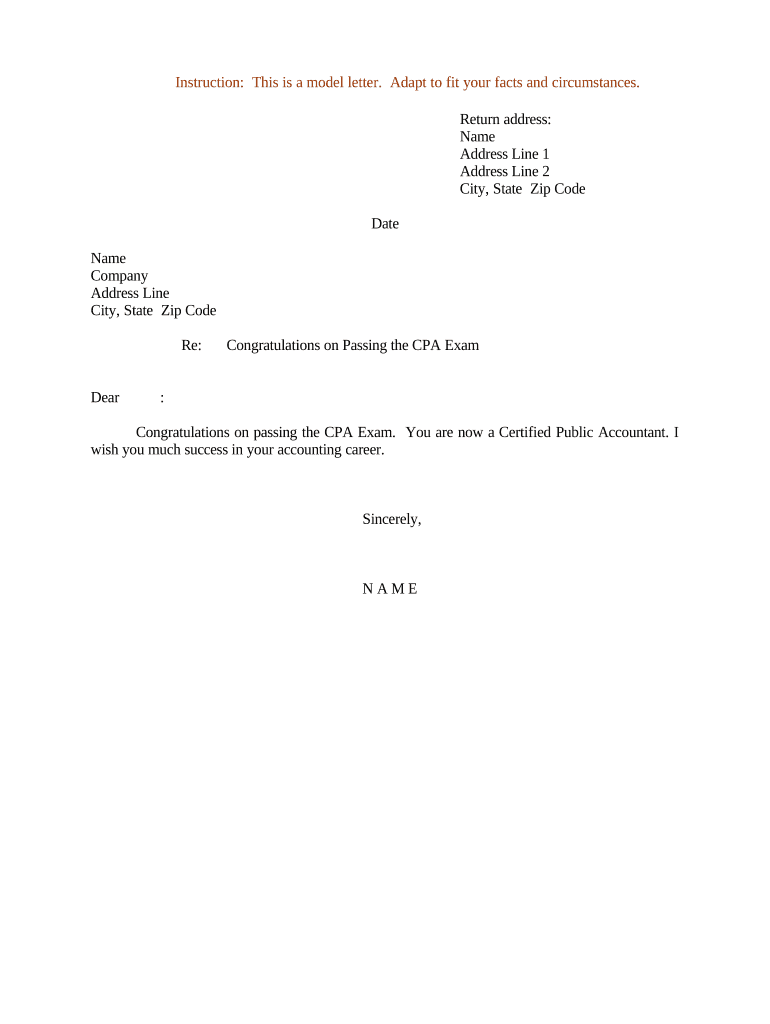
Letter Congratulations on Passing the CPA Exam

This template is fully customizable. Edit the text, fill out the fields, and send it for signature. Give it a try!
Letter Congratulations on Passing the CPA Exam

What the Letter Congratulations on Passing the CPA Exam Is and when to use it

A Letter Congratulations on Passing the CPA Exam is a formal, written acknowledgment sent to an individual who has successfully passed the Uniform CPA Examination or an equivalent state professional accountancy exam. It typically confirms the exam result, notes the exam date and jurisdiction, highlights next steps for licensing or firm onboarding, and serves as a record in personnel or academic files. Organizations use the letter for internal recognition, employer records, licensure referral, or to support subsequent credentialing steps such as state board applications or firm promotions.

Why a clear congratulations letter matters

A professionally drafted Letter Congratulations on Passing the CPA Exam creates an accurate record, communicates next steps clearly, and avoids misunderstandings about timing, licensure responsibilities, or benefits eligibility. It also supports HR and licensing workflows and can be preserved as evidence of qualification for promotions or billing privileges.

Why a clear congratulations letter matters

Who typically prepares and receives this letter

Organizations and individuals use these letters at the point of exam confirmation to document achievement and trigger follow-up actions.

  • Recent CPA candidates — Receive formal confirmation and instructions for state board application.
  • Firm HR or recruiting teams — Use the letter to update employment records and adjust role or compensation.
  • University accounting departments or career services — Notify graduates and maintain alumni credential files.

Use the letter as an administrative record and an official communication to the recipient and relevant internal teams.

Step-by-step: drafting and issuing the congratulations letter

Follow these steps to create a complete, consistent Letter Congratulations on Passing the CPA Exam that supports licensing and HR workflows.

  • 01
    Confirm result: Verify official exam pass notification from NASBA or state board before drafting.
  • 02
    Record details: List exam date, jurisdiction, and pass status exactly as shown on the official notice.
  • 03
    State next steps: Describe licensing application, required documents, and any firm onboarding actions.
  • 04
    Sign and distribute: Have authorized signatory sign and send to recipient and relevant internal stakeholders.

Key components to include in a professional congratulations letter

A concise, formal structure reduces ambiguity and ensures the letter functions as both recognition and an administrative record for licensing and HR purposes.

Header and date

Include sender organization, address, and the letter date. The date anchors timelines for any follow-up actions and becomes part of the official personnel record.
Recipient identification

State the recipient's full legal name and contact information to match NASBA or state board records and to avoid identity mismatches during licensure.

Official result statement

Clearly state that the recipient 'passed the Uniform CPA Examination' or equivalent, include the exam date and jurisdiction exactly as shown in the official notice.

Next steps and responsibilities

List required documents, any deadlines for submissions, who will assist with state board filings, and whether the employer will submit verification letters.

Confidentiality note

If the letter includes score or sensitive information, note how the data will be handled and retained in compliance with privacy rules.

Signature block

Provide signer name, title, and contact details. If electronically signed, record the method of signature and attach an audit trail.

How to configure an online workflow for the congratulations letter

Standardize the template and routing to ensure consistent issuance, approvals, and archival across HR, licensing, and hiring managers.

Template Create a reusable template with merge fields for name, date, and jurisdiction.
Recipient field Map to HR directory or applicant record for accurate delivery.
Authentication Require signer email verification or SMS code as appropriate.
Reminder schedule Set one or two automated reminders for unsigned approvals within 7–14 days.
Archival Save signed letter to personnel file and document management system.

Digital delivery and platform considerations

Choose a platform that supports secure PDF output, audit trails, and the integrations you require.

  • File formats: PDF and DOCX preserve layout and metadata reliably.
  • Authentication: Email+access code or stronger KBA for high-assurance deliveries.
  • Integrations: Connect to HR or document systems for automatic filing.

Ensure the chosen provider supports your retention policy and accessibility needs and integrates with your HR and document management tools.

Typical digital signing flow for issuing the letter

A standard eSign workflow moves the drafted letter through validation, signature, and archival with audit data captured at each step.

  • Draft: Create the letter from a template and populate merge fields.
  • Send: Deliver via secure link or directed email to recipient and internal approvers.
  • Sign: Recipient and author sign; system captures IP, timestamp, and signature method.
  • Archive: Store signed copy with audit trail in the personnel record.

Timing and common scheduling expectations

Issue the letter promptly after the official pass confirmation and document any deadlines for licensing steps or internal actions.

Issue timing:

Send within 7–14 days of official pass notification to support timely licensing.

State board filings:

Note state board deadlines for licensure application; these vary by jurisdiction.

Internal HR update:

Update personnel records and compensation files within one payroll cycle.

Document retention:

Store the signed letter per retention policy (see retention timeline).

Follow-up reminders:

Schedule reminders for licensing document collection within 30–60 days.

Key milestones from exam pass to licensure

Track these milestones to ensure the recipient completes licensure steps and organizational records remain current.

01

Official Pass Confirmed

Board or NASBA issues official pass notification; use this to trigger the letter.

02

Letter Issued

Organization sends the congratulations letter and outlines next steps.

03

Licensure Application

Candidate submits state board application and supporting documents as required.

04

Record Update

HR files the signed letter and updates internal credentials and compensation if applicable.

Typical eSignature vendor comparison for issuing congratulations letters

Compare common vendor pricing and capability indicators relevant to secure signing and recordkeeping for administrative letters; signNow is listed first per vendor ordering rules.

signNow DocuSign Adobe Sign PandaDoc HelloSign
Starting Price $8/user/mo $15/user/mo $14/user/mo $19/user/mo $15/user/mo
Free Trial 7-day free trial Varies by plan Varies by plan Varies by plan Varies by plan
Bulk Send Yes Yes Yes Yes Varies
Audit Trail Yes Yes Yes Yes Yes
HIPAA Compliant Yes Yes Yes No No

Common preparation mistakes to avoid

  • Using an informal or vague statement about results that does not match official NASBA or state board language, creating confusion during licensing.
  • Entering recipient names or jurisdictions incorrectly, which can delay state board verification and licensure processes.
  • Omitting specific next steps or deadlines, leaving the candidate unsure about required documents or timelines.
  • Failing to record the method of signature or retain an audit trail when using eSignature, which may complicate future verification.

Potential risks and compliance considerations

Misstatement risk: Inaccurate exam claims may lead to misrepresentation issues.
Privacy breach: Sharing score details improperly can violate privacy expectations.
Tampering concern: Unsigned or unsigned PDFs risk alterations without audit trail.
Signature validity: Improper eSign methods may not meet ESIGN/UETA consent tests.
Delayed licensing: Incorrect or late letters can extend licensure timelines.
Employment consequences: Payroll or title changes made on wrong basis can create disputes.

Security and legal elements to include or record

ESIGN / UETA: Record consent and intent for electronic execution
Audit Trail: Capture timestamps, IP, and signer method
Encryption: Use TLS in transit and AES-256 at rest
HIPAA note: Include BAA if letter contains PHI
Retention: Store per corporate and regulator timelines
Access control: Restrict personnel access to signed copies

Example scenarios showing common uses of the letter

Two practical examples illustrate how the letter supports HR and licensure workflows in different organizations.

Firm Promotion Notice

A mid-sized accounting firm issues the letter after NASBA confirmation to trigger a promotion review and updated billing privileges.

  • The letter names the exam, date, and required licensing steps.
  • The HR file is updated, internal billing permissions are checked, and a mentor is assigned to assist with state board application, reducing processing delays.

University Confirmation

A university career services office sends the letter to a graduate who passed the CPA to support employer verification requests.

  • It includes exam jurisdiction and date for employer records.
  • The graduate uploads the signed letter to job portals and the alumni record, and the office archives it with the student transcript for five years.

Frequently asked questions about the Letter Congratulations on Passing the CPA Exam

Answers to common questions about validity, signature methods, content, and storage to help you prepare compliant and useful letters.


Need help? Contact support

be ready to get more
Join over 28 million airSlate SignNow users