Establishing secure connection…Loading editor…Preparing document…

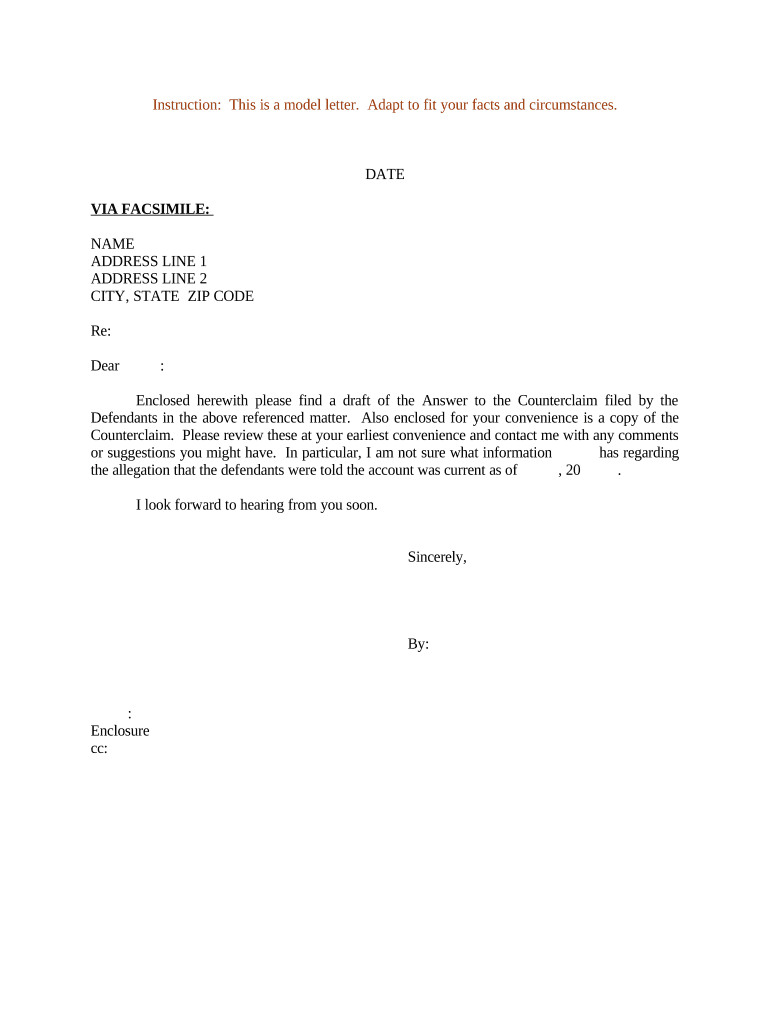
Answer to Counterclaim

This template is fully customizable. Edit the text, fill out the fields, and send it for signature. Give it a try!
Answer to Counterclaim

What an Answer to Counterclaim Is and When it’s Used

An Answer to Counterclaim is the responsive pleading filed by a defendant (or counter-defendant) to admit, deny, or otherwise respond to allegations asserted in a counterclaim. It restates the case caption and docket number, responds to each numbered paragraph of the counterclaim with admissions or denials, raises any affirmative defenses, and may include cross-claims or motions for relief. Electronic signatures can be valid for the Answer where permitted by court rules and by ESIGN (15 U.S.C. §7001) or the applicable state UETA, but many courts treat official filings and some judicial notices as exceptions to electronic execution.

Why a Timely, Accurate Answer Matters

Filing a correct Answer to Counterclaim preserves defenses, prevents default or default judgment exposure, and focuses the issues for discovery and motion practice.

Why a Timely, Accurate Answer Matters

Who Regularly Prepares and Files an Answer to Counterclaim

Typical filers include parties named in counterclaims and attorneys representing those parties, in both state and federal courts.

  • Individual defendants and pro se litigants who must respond to a counterclaim filed against them.
  • Defense counsel and litigation attorneys preparing a formal pleading and asserting affirmative defenses.
  • In-house legal teams handling business counterclaims, coordinating service, and preserving corporate records.

Whoever prepares the Answer must follow the controlling court rules for format, signature, service, and timing to avoid waiver or sanctions.

Core Components of a Professional Answer to Counterclaim

A complete Answer follows the court caption, responds to each counterclaim paragraph, states affirmative defenses, includes any compulsory counterclaims or cross-claims, attaches supporting exhibits, and ends with a dated signature block from an authorized signer.

Caption

Court name, parties, and docket number must match the counterclaim caption exactly to ensure the pleading is accepted and routed correctly.
Admissions/Denials

Respond to each numbered allegation with a clear admission, denial, or statement of lack of knowledge; avoid blanket denials that waive affirmative matters.

Affirmative Defenses

List each defense (statute of limitations, lack of jurisdiction, failure to state a claim) with factual or legal basis as required by local rules.

Counterclaims

If you assert counterclaims, plead them separately and provide supporting facts and a short statement of damages or relief requested.

Exhibit Index

Attach numbered exhibits referenced in the Answer and include a concise index so the court and opposing counsel can locate each support item.

Signature Block

Include printed name, bar number (if attorney), mailing address, telephone, email, and a dated signature; an electronic signature is acceptable where court rules permit.

Step-by-Step: Prepare, Sign, File, and Serve

A concise sequence guides correct completion and timely submission of the Answer to Counterclaim.

  • 01
    Gather case records: Collect the counterclaim, original complaint, and service proof.
  • 02
    Draft your responses: Answer each numbered allegation and state defenses clearly.
  • 03
    Sign and date: Have an authorized signer sign using permitted methods.
  • 04
    File and serve: File per court rules and serve opposing counsel with proof.

Setting Up an Online Workflow for an Answer to Counterclaim

Configure a repeatable digital workflow to prepare the Answer, capture signatures, and create proof of service.

Field Configuration
Authentication Email/SMS code or advanced signer verification as required
Template Reuse Save a template with caption and field placeholders
Signature Type Choose e-signature or PDf-embedded signature per court rules
Notifications Auto-notify filers and opposing counsel on completion

Where to File and How Service Typically Works

Identify the correct court filing portal, confirm service rules, and keep proof of electronic or physical service.

  • Prepare the document: Finalize Answer and attach exhibits.
  • Add signing fields: Place signature, date, and contact blocks.
  • Signers receive link: Authorized signers authenticate and sign.
  • File and serve: Use e-filing portal or mail and produce service affidavit.

Digital Delivery, Signing, and Integration Considerations

Confirm the court and opposing counsel accept electronic service and e-signatures before relying on online execution.

  • File Formats: PDF or court-preferred file types
  • Integrations: Salesforce, NetSuite, Microsoft 365, Google Workspace
  • Authentication: Email, SMS, or advanced ID verification

Use platforms that preserve audit trails, timestamps, and signer attribution so the electronic record supports admissibility and authenticity when required.

Timing Expectations and Common Deadlines

Response windows for an Answer to Counterclaim depend on federal or state rules and how the counterclaim was served; always confirm controlling deadlines.

Federal Court Guidance:

Follow the Federal Rules of Civil Procedure and the local rules of the assigned district court.

State Court Variation:

State rules set response periods; many state courts require a response within a limited time after service.

Default Risk:

Failure to timely answer may permit the court to enter default judgment on counterclaims.

Extension Options:

Seek stipulation or court motion to extend deadlines when warranted.

Service Date Controls:

Deadlines typically run from the date of service, not the filing date.

Consequences of an Incorrect or Late Answer

Default Judgment: Court may enter judgment in favor of the counterclaimant.
Waiver of Defenses: Late responses can forfeit procedural or substantive defenses.
Sanctions: Court may impose fees or other sanctions for abusive pleadings or procedural failures.
Evidence Exclusion: Untimely or unsupported defenses risk exclusion at trial.
Increased Costs: Delay can multiply discovery and motion practice expenses.
Strategic Disadvantage: Failure to preserve counterarguments narrows litigation strategy.

Required Information and Evidence to Include

Party Identification: Full legal names and roles
Docket Details: Court name and case number
Paragraph Responses: Admissions, denials, or lack of knowledge
Affirmative Defenses: Cited defenses and short factual basis
Exhibit List: Numbered supporting documents
Service Proof: Affidavit or certificate of service

Practical Tips for Accurate and Efficient Completion

Follow these practices to reduce risk of rejection, preserve rights, and shorten time to resolution.

Meet Deadlines and Document Service Carefully
Track the service date precisely, file before the deadline, and retain proof of service; missing a deadline can permit default judgment or loss of defenses.
Follow Local Formatting and Signature Rules
Check the court's local rules for required margins, signature blocks, and whether electronic signatures or e-filing portals meet the court’s standards to avoid clerical rejection.
Use Clear Admissions and Targeted Denials
Respond to each allegation specifically; overbroad denials or evasive answers can lead to disputes and additional motions from opposing counsel.
Index Exhibits and Keep an Audit Trail
Number exhibits, reference them in the Answer, and preserve any electronic audit logs, timestamps, and signer verification as evidentiary support.

Common Errors to Avoid

  • Missing the service date or miscalculating the response deadline which can lead to default or waiver of defenses.
  • Failing to respond to each numbered paragraph individually, producing ambiguous or incomplete admissions and denials.
  • Including unsupported affirmative defenses without factual basis, which can prompt motions to strike or sanctions.
  • Using an incorrect caption or docket number that leads to rejection or misfiling by the court clerk.

Who Can Sign the Answer to Counterclaim

Defense Counsel

An attorney of record commonly signs pleadings; the signature includes the attorney’s printed name, bar number, contact information, and is considered binding on the represented party.

Named Defendant

A pro se litigant or authorized corporate officer may sign; corporate signers should confirm board authorization or power of attorney where required.

eSignature Pricing and Feature Comparison for Preparing Pleadings

Compare starting prices and core features across common eSignature vendors; signNow is listed first per vendor comparison conventions.

signNow DocuSign Adobe Sign PandaDoc HelloSign
Starting Price $8/user/mo $15/user/mo $14/user/mo $19/user/mo $15/user/mo
Free Trial 7-day free trial Varies Varies Varies Varies
Bulk Send Yes Yes Yes Yes No
Audit Trail Yes Yes Yes Yes Yes
HIPAA Compliant Yes Yes Yes No No
Envelope Cap No envelope cap 100 envelopes/user/year Varies by plan Varies by plan Varies by plan

Real-World Usage Examples

These brief examples show how organizations used e-sign and digital workflows when handling legal documents and pleadings.

Optica Ventures — Brian Fitzgibbons

Optica used online signature workflows to streamline customer-facing documents and internal approvals.

  • The process reduced turnaround time on signed documents.
  • The team reported that templates and an easy interface helped maintain consistency across filings while preserving an auditable execution history for compliance.

Martin Properties — Tim Martin

Martin Properties processed lease and dispute paperwork fully online to avoid in-person delays.

  • Digital signing enabled remote execution.
  • Using templates and secure signing preserved evidence of consent and improved the speed of dispute resolution while meeting compliance and recordkeeping needs.

Frequently Asked Questions and Practical Answers

Answers to common questions about validity, filing, electronic signatures, deadlines, and amending an Answer to Counterclaim.


Need help? Contact support

be ready to get more
Join over 28 million airSlate SignNow users