Identification
List the individual or entity's legal name, employer or firm, and any docket or matter number to ensure the appearance is associated with the correct proceeding.
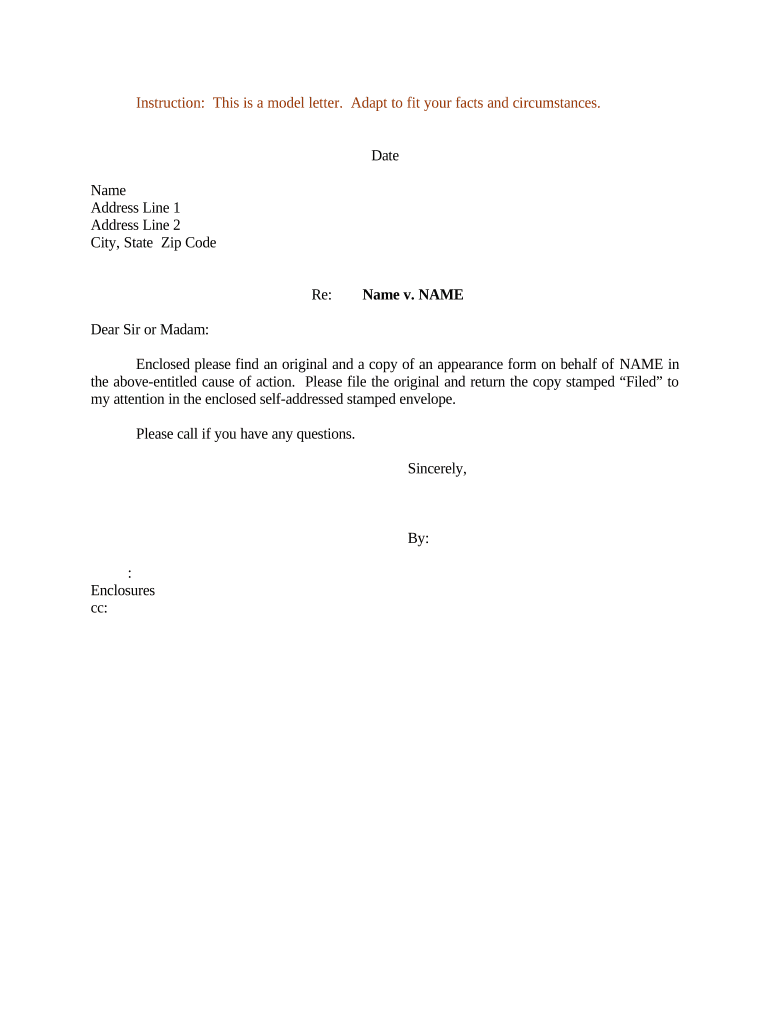
An accurate Appearance Form ensures proper notice, prevents service defects, and documents who may receive filings or act for a party. It reduces procedural delays, supports docket accuracy, and helps preserve rights in court or administrative proceedings under applicable rules.

Parties, attorneys, and authorized representatives commonly file Appearance Forms to establish official representation and service contacts.
List the individual or entity's legal name, employer or firm, and any docket or matter number to ensure the appearance is associated with the correct proceeding.
State the signer's role and capacity, such as counsel, in-house counsel, corporate agent, or pro se party, to clarify who is authorized to receive notices and act in the matter.
Provide a physical street address for service of process and correspondence. Specify separate mailing or service addresses if they differ to prevent missed notices and returned mail issues.
Include daytime telephone, direct email, and alternative contact methods during business hours. Accurate contact data speeds communications and helps courts or agencies verify representations quickly.
An authorized signer must print name, sign, and date the form. If signing for an organization, include title, authority to bind, and reference corporate resolution if required.
Specify the effective date and any limits on scope or duration of the appearance, such as limited appearance for a single hearing or full representation for the entire case.
Check platform compatibility, required document formats, and signer authentication methods before e-submitting an Appearance Form.
| Field | Configuration |
|---|---|
| Signer Order | Choose sequential or parallel signing to control signer flow. |
| Authentication | Select authentication methods: email link, SMS code, or knowledge-based verification. |
| Notifications | Enable email confirmations, reminders, and copy recipients for record keeping. |
| Retention Policy | Apply retention rules to retain documents per legal and agency requirements. |
File with clerk as soon as appearance is authorized to receive notices.
Amend form promptly if representation ends or scope changes.
Serve opposing parties per local rules after filing appearance.
Keep docket stamp or filing confirmation indefinitely.
Check local rules for time frames to amend or challenge appearances.
A municipal planning board received an Appearance Form from a property owner to participate in a zoning hearing and to receive all related notices about agenda items and rescheduling.
An in-house counsel filed an Appearance Form in an administrative licensing dispute, listing lead counsel and a corporate service address to streamline document delivery and compliance.
| signNow | DocuSign | Adobe Sign | PandaDoc | HelloSign | |
|---|---|---|---|---|---|
| Starting Price | $8/user/mo | $15/user/mo | $14/user/mo | $19/user/mo | $15/user/mo |
| Free Trial | Yes, 7-day trial | Yes | Yes | Yes | Yes |
| Bulk Send | Yes | Yes | Yes | Yes | No |
| Audit Trail | Yes | Yes | Yes | Yes | Yes |
| HIPAA Compliant | Yes | Yes | Yes | No | No |