Parties
Identify secured party, debtor, and any guarantors with legal names, addresses, and authority to sign; specify roles and contact points for notices and enforcement communications.
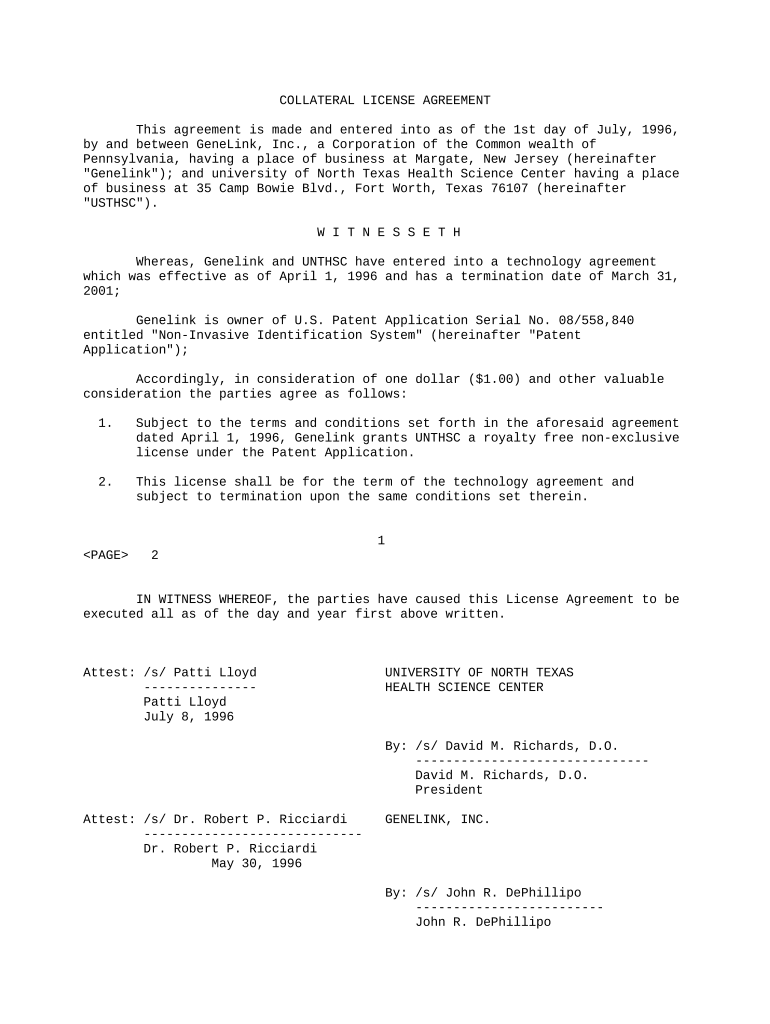
Collateral Agreements protect lenders and clarify borrower obligations by securing specified assets. They reduce lender exposure, improve recovery prospects in default, and establish procedures for perfection and enforcement, which preserves priority rights under the Uniform Commercial Code and state lien frameworks.

Typical users include lenders, borrowers, counsel, and secured creditors handling loans, leases, and asset-backed financings.
Identify secured party, debtor, and any guarantors with legal names, addresses, and authority to sign; specify roles and contact points for notices and enforcement communications.
Provide precise descriptions by serial number, VIN, account numbers, or detailed asset classes; attach schedules or exhibits for complex asset pools to avoid ambiguity in enforcement.
List required steps such as filing UCC-1 financing statements, recording security interests, obtaining consents, and any RON or notarization requirements specific to state law procedures.
Include affirmative and negative covenants covering use of collateral, maintenance, insurance, prohibited transfers, financial reporting, and notice obligations to preserve value and maintain priority against other creditors.
Define events of default, cure periods, acceleration rights, repossession procedures, sale protocols, and remedies such as foreclosure, application of proceeds to obligations, and costs.
Specify conditions and procedures for release of collateral, termination of security interests, and required filings or statements confirming satisfaction, including lien releases, estoppel letters, and recordable documents.
| Document Field and Configuration Settings | Setting | Purpose |
|---|---|
| Signer sequencing and authentication method | Sequential | Enforce signer order and notify parties |
| Field types and conditional logic options | Signature, date, clause | Automate visibility and conditional fields |
| UCC filing automation and reminders | Auto UCC-1 | Generate filings and track state confirmations |
| Document retention and export formats | PDF, DOCX | Retain executed files and export for recordkeeping |
Use platforms that support secure e-signatures, audit trails, and state-compliant notarization features to manage Collateral Agreements electronically.
File promptly in debtor's primary jurisdiction to perfect lien priority.
Complete notarizations and witness attestations per state rules before recording.
Incorrect TINs can trigger 24% backup withholding and IRS penalties.
Retain employment forms per 8 CFR §274a.2 retention rules.
Proof of insurance and maintenance can be required to avoid default.
| signNow | DocuSign | Adobe Sign | PandaDoc | HelloSign | |
|---|---|---|---|---|---|
| Starting Price | $8/user/mo | $15/user/mo | $14/user/mo | $19/user/mo | $15/user/mo |
| Free Plan | Yes, 7-day free trial | No | No | Yes, limited | Yes, limited |
| Bulk Send | Yes | Yes | Yes | Yes | No |
| Audit Trail | Yes | Yes | Yes | Yes | Yes |
| HIPAA Compliant | Yes | Yes | Yes | No | No |