Corporate Name
The exact legal name as to be registered, including required corporate designator (e.g., Corporation, Inc.). Must be unique and comply with state naming rules.
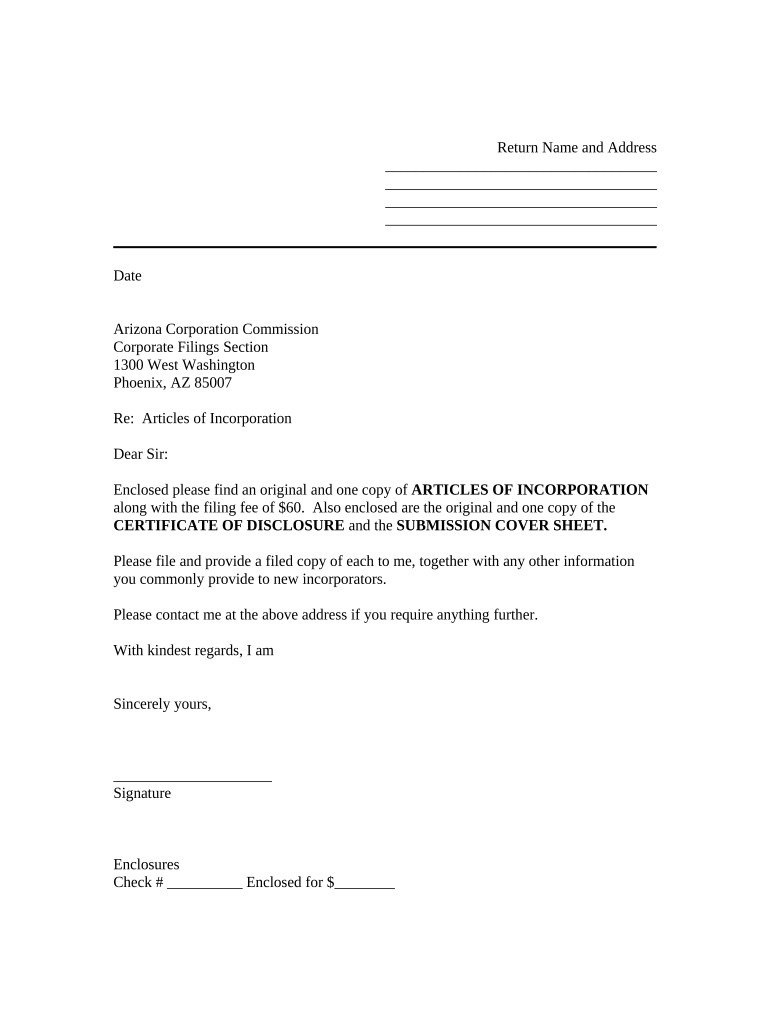
Filing Articles is the fundamental step to form a corporation in Arizona, creating limited liability for owners, enabling capital raising through shares, and establishing a formal governance and compliance framework under state corporate law and applicable federal rules.

Individuals and teams that form corporations manage this filing: incorporators, corporate counsel, business owners, or formation service providers.
The exact legal name as to be registered, including required corporate designator (e.g., Corporation, Inc.). Must be unique and comply with state naming rules.
Name and physical Arizona address of the statutory agent authorized to accept service of process and official notices on behalf of the corporation.
Number and classes of authorized shares, par value if any, and distribution of voting vs nonvoting classes as applicable under corporate statute.
Name(s) and address(es) of the person(s) who execute the Articles and take the initial steps to form the corporation.
Indicate perpetual existence or a specific dissolution date; perpetual is typical and ensures ongoing corporate status until formally dissolved.
A general business purpose or a more specific description of activities; broader language provides flexibility for future operations.
| Field | Configuration |
|---|---|
| Document Type | Arizona Articles of Incorporation |
| Signer Roles | Incorporator, Registered Agent |
| Authentication | Email or SMS code; optional stronger methods |
| Delivery | Return signed PDF to incorporator and agent |
Allow several business days for internal review before filing.
State review times vary; expect a few business days to weeks.
Some states offer same‑day processing for additional fees.
File to be effective on acceptance or specify delayed date.
File initial reports or licenses as required after formation.
Choose a platform that supports the file types and authentication level required for legal filings and state acceptance.
| signNow | DocuSign | Adobe Sign | PandaDoc | HelloSign | |
|---|---|---|---|---|---|
| Starting Price | $8/user/mo | $15/user/mo | $14/user/mo | $19/user/mo | $15/user/mo |
| Free Trial | Yes, 7-day trial | Varies by vendor | Varies by vendor | Yes, limited | Yes, limited |
| Bulk Send | Yes | Yes | Yes | Yes | No |
| Audit Trail | Yes | Yes | Yes | Yes | Yes |
| HIPAA Compliant | Yes | Yes | Yes | No | No |