Parties
Identify releasor and releasee using full legal names and entity types; include contact information and an authorized signatory designation to confirm who may legally bind each party.
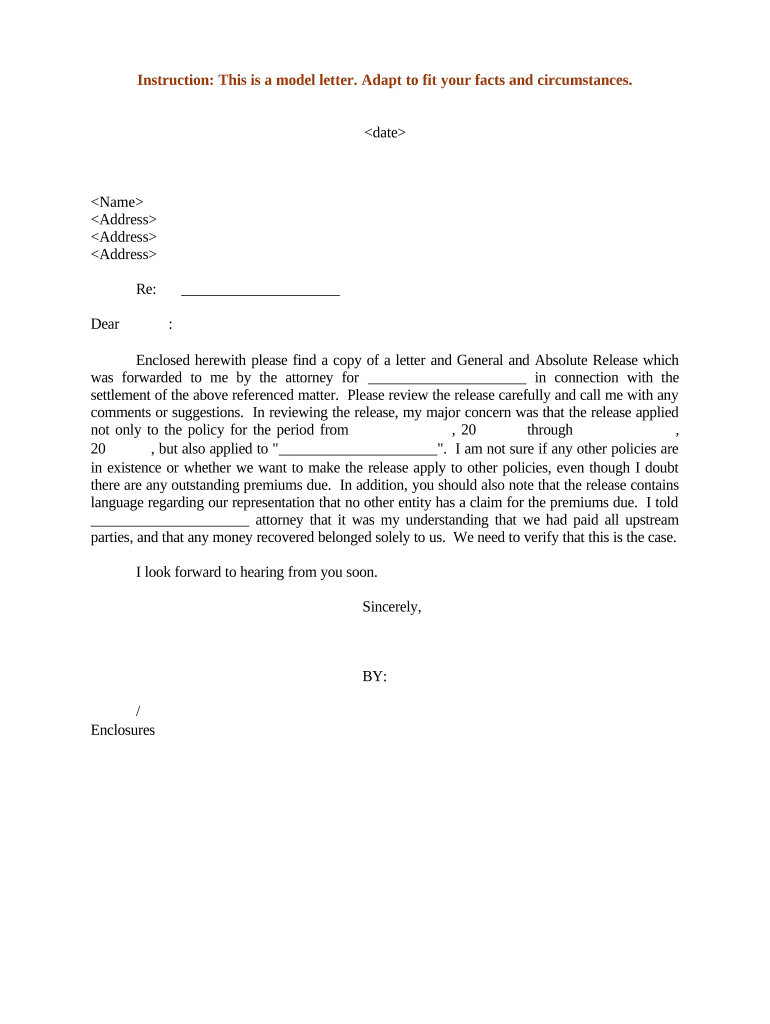
A well-drafted General Release minimizes future claims, creates a written record of settlement, and allocates risk between parties. It provides certainty about what is resolved and the timeline of obligations.

Organizations and individuals use releases across claims, employment exits, and commercial settlements.
Tailor language and execution steps to the industry, the value exchanged, and any statutory protections for the releasor.
Insurance or corporate claims managers typically execute releases on behalf of an insurer or employer after approval of settlement terms. They must confirm authority, ensure consideration is recorded, and retain documentation for statutory retention periods.
HR leaders often oversee employee separation releases; they coordinate review by counsel, include required disclosures for rollbacks or benefits, and confirm that statutory consumer protections or collective bargaining rules are observed.
Identify releasor and releasee using full legal names and entity types; include contact information and an authorized signatory designation to confirm who may legally bind each party.
Briefly describe the background facts, the dispute or claim being resolved, and the context for the release so a third party can see why the release was executed.
Clearly state which claims are released (known and unknown), specify time frames, and include any carve-outs for obligations that survive the release, such as confidentiality or tax obligations.
Specify the precise amount, goods, or non-monetary consideration being exchanged, payment timing, and any escrow or installment arrangements tied to effectiveness of the release.
Include statements regarding authority to execute, absence of pending claims, and acknowledgment of understanding the legal effect of the release.
Designate the state law governing the agreement and specify venue for disputes, remembering ESIGN/UETA rules for electronic execution when cross-jurisdictional issues may arise.
| Field | Configuration |
|---|---|
| Authentication | Email or SMS OTP; use KBA for higher risk |
| Field Types | Signature, date, initials, conditional text fields |
| Conditional Logic | Show fields only when relevant to signer role |
| Notifications | Enable signer reminders and completion receipts |
Choose a platform that supports required authentication, audit trails, and file formats for evidentiary purposes.
Ensure the provider can produce a tamper-evident audit trail, support notarization workflows if necessary, and store signed records securely.
| signNow | DocuSign | Adobe Sign | PandaDoc | HelloSign | |
|---|---|---|---|---|---|
| Starting Price | $8/user/mo | $15/user/mo | $14/user/mo | $19/user/mo | $15/user/mo |
| Free Trial | Yes, 7-day free trial | Varies by plan | Varies by plan | Varies by plan | Varies by plan |
| Bulk Send | Yes | Yes | Yes | Yes | No |
| Audit Trail | Yes | Yes | Yes | Yes | Yes |
| HIPAA Compliant | Yes | Yes | Yes | No | No |
After negotiation, plaintiff accepts settlement payment and signs a release.
An employee receives severance in exchange for release of employment claims.