Opening
A warm salutation addressing the family by preferred names and expressing clear congratulations in one or two sentences.
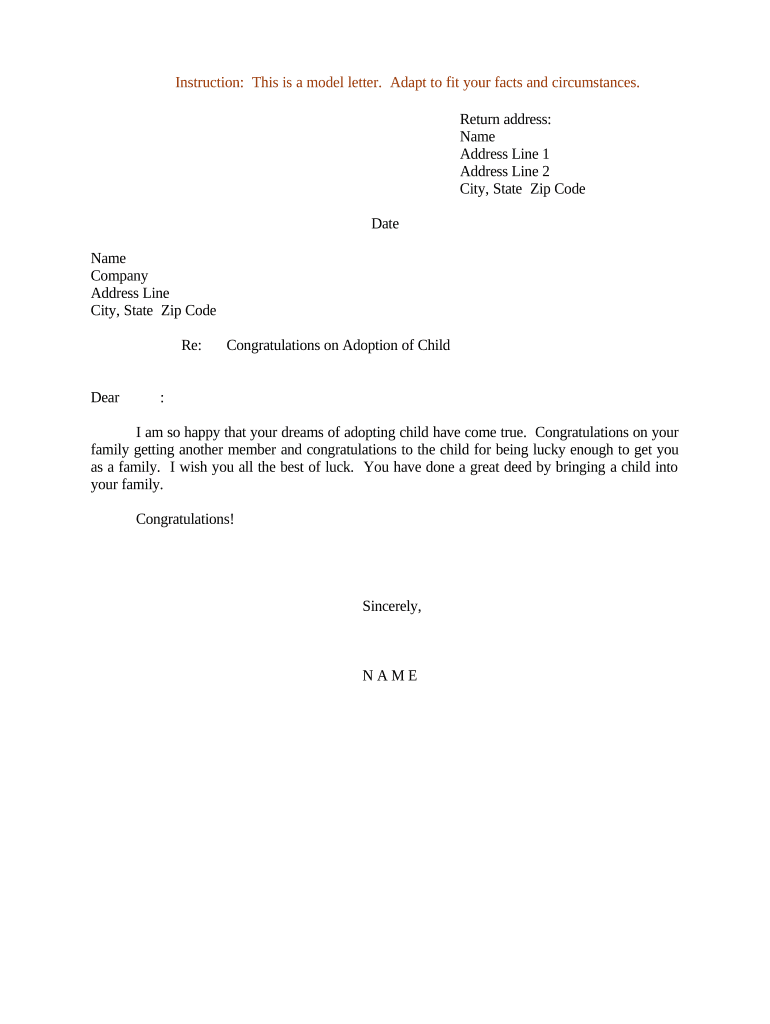
A well-crafted letter recognizes the emotional significance of adoption, strengthens relationships between senders and recipients, and records positive sentiments that families may keep long-term. For organizations, it demonstrates cultural sensitivity and respect while preserving privacy and avoiding legal language that could be misinterpreted.

Senders range from close family and friends to employers, social workers, foster agencies, or community groups; recipients are the adoptive family, the adopted child (if age-appropriate), or placement coordinators.
Tailor tone and content to the relationship and the recipient’s privacy needs; avoid sharing protected or sensitive personal details without explicit consent.
A warm salutation addressing the family by preferred names and expressing clear congratulations in one or two sentences.
A brief personal anecdote or supportive sentence that acknowledges the adoption journey without revealing confidential information.
Optional, practical offers (childcare, meals, resources) framed as an invitation rather than an obligation.
Avoid sharing medical, placement, or birth-parent information; reference only what the family has explicitly shared and consented to.
A respectful closing that reiterates congratulations and may include a contact method for follow-up.
Attach resource lists or community contacts if the recipient has asked for referrals and consented to receiving them.
| Field | Configuration |
|---|---|
| Recipient Name Field | Required text field, single-line, validation off for nicknames. |
| Message Field | Multiline text box with 500-character limit to keep messages concise. |
| Signature Field | Optional e-signature or typed name; include date field beside it. |
| Privacy Consent Checkbox | Optional checkbox confirming recipient consent to receive contact details. |
Choose a platform that supports your preferred delivery channel, preserves message fidelity, and respects privacy controls.
Ensure any chosen service secures data in transit and at rest, and that you have documented consent for electronic delivery when appropriate.
Send within 1–2 weeks of the adoption being finalized to share prompt congratulations.
Coordinate with agency or family if sending gifts; confirm timing to avoid duplicate items.
Employers should follow internal HR timing and respect privacy before public announcements.
If you learn later, send a thoughtful note regardless of elapsed time; sincerity matters more than speed.
Retain a copy for your records; no legal filing required for a congratulatory letter.
Compose and proof the letter for tone and privacy.
Verify recipient consent for contact method and shared details.
Obtain any required supervisor or HR sign-off for organizational letters.
Send via chosen channel and log delivery for your records.
| signNow | DocuSign | Adobe Sign | PandaDoc | HelloSign | |
|---|---|---|---|---|---|
| Starting Price | $8/user/mo | $15/user/mo | $14/user/mo | $19/user/mo | $15/user/mo |
| Free Trial | 7-day free trial | Varies by plan | Varies by plan | Varies by plan | Varies by plan |
| Bulk Send | Yes | Yes | Yes | Yes | Yes |
| Audit Trail | Yes | Yes | Yes | Yes | Yes |
| HIPAA Compliant | Yes | Yes | Yes | No | No |
| Envelope Cap | No cap | 100 envelopes/user/year | Varies by plan | Varies by plan | Varies by plan |